

Reference

e7e777 App and Browser Access for Bangladesh

The e7e777 lobby opens directly in your mobile browser — no waiting on an app store, no file downloads needed to get started.

mobile browser accessaccount on any devicecheck availability firstsecure sign-inlobby loads fast
e7e777 e7e777 App and Browser Access for Bangladesh

Four Things the Mobile Build Does Well

These are the features you'll notice within the first few sessions on the e7e777 mobile interface — each one built around fast account access and a lobby that stays out of your way.

Biometric Login

Fingerprint or face unlock replaces typed passwords on supported devices. Your account opens in a single step, and your session stays secure without slowing you down.

Push Notifications

Opt in to alerts for cricket match markets, live table openings or account activity. Notifications arrive even when the browser tab is closed, so you stay in the loop.

Dark Mode Display

The interface switches to a darker colour scheme at night or on battery-save mode. Easier on the eyes during late sessions and reduces screen glare in low-light conditions.

Offline Lobby Preview

When your connection drops briefly, the lobby structure stays visible so you can see game categories and navigate back without losing your place in the menu.

e7e777 Mobile Access in 3 Steps

Mobile Access in 3 Steps

Getting into the e7e777 lobby on your phone does not require a native install. The browser path is consistent across Android and iOS devices, and your account works the same way regardless of which route you use. Players in Dhaka and Chittagong typically complete this in under two minutes. If a native app build becomes available, the download link will appear on

the main site homepage — check there first before using third-party sources.

  • Open the Current Site — Type e7e777 into your mobile browser address bar. Check the homepage for any native app download link — if one is listed, follow that path for a native experience.
  • Check Browser Compatibility — Chrome and Safari on recent Android and iOS versions load the full lobby without issues. If the layout looks broken, try clearing your browser cache or switching to a different browser.
  • Sign In Securely — Enter your account credentials or use biometric login if your device supports it. A one-time password may be sent to your registered number for added account security.
  • Add to Home Screen — Use your browser's share or menu option to add e7e777 to your home screen. This creates a shortcut that opens the lobby directly, behaving close to a native app icon.
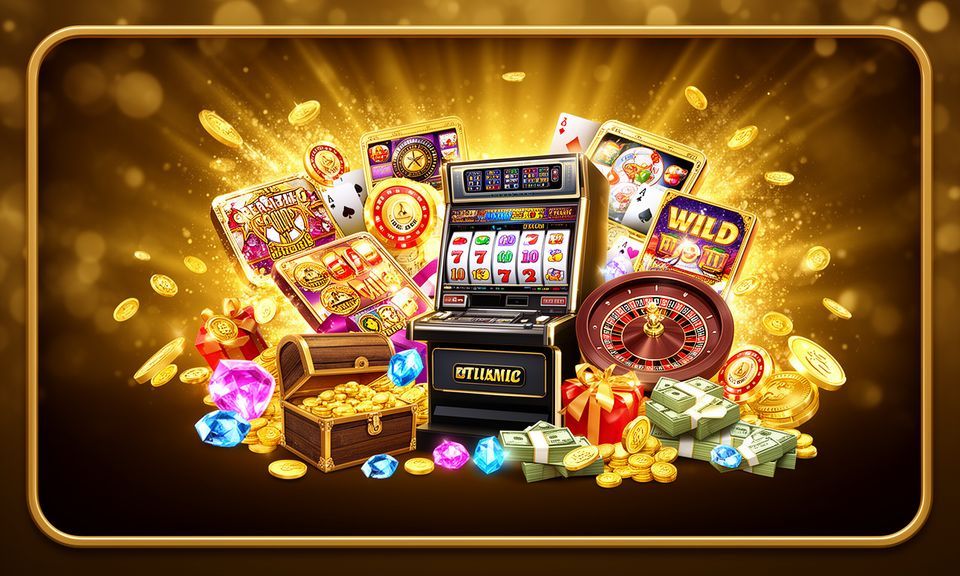
e7e777 Inside the e7e777 Mobile Experience

Inside the e7e777 Mobile Experience

Open the e7e777 lobby from your phone and you get the full range — slots from Pragmatic Play and PG Soft, live casino tables including Dragon Tiger and Baccarat NightRush, and a sportsbook where cricket markets sit at the front. The mobile interface is built for one-handed use, so switching from a slot like Gates of Olympus to a live table takes

a single tap. Push notifications alert you when markets you follow are live. Quick deposit puts your bKash or Nagad wallet one screen away from the cashier. If your device supports biometric login, fingerprint entry replaces your password at the lock screen.

What Devices Work with e7e777

The mobile interface is designed around standard browser environments rather than a fixed list of device models. Here is what to check before you start your session.

Browser AccessChrome, Safari and Firefox on current versions handle the full lobby. Older browser versions may show layout issues — update your browser if the page does not load correctly.
Screen LayoutThe lobby adapts to portrait and landscape orientations. Live casino tables are easier in landscape; slot grids and the betslip work well in portrait on standard screen sizes.
Account RequirementsYou need a registered e7e777 account to access any real-money section of the lobby. Account creation uses your mobile number and a verification step sent via SMS.
How to Check Supported DevicesThe e7e777 site lists current compatibility notes in the help or support section. If your device is not confirmed there, the browser path is the safest option to try first.
Connection StabilityLive casino streams from Evolution and similar studios need a stable connection. A 4G connection is enough for smooth play; switching to Wi-Fi improves stream quality on live tables.

Your e7e777 App Questions

Common questions about accessing e7e777 on mobile, what the app does, and how to get your account working on your device.

Check the e7e777 homepage for any current native app link. If none is listed, the full lobby is accessible through your mobile browser with no download required.

Yes. The sportsbook is part of the mobile lobby, with cricket markets — including BPL and international matches — shown at the front of the sports section on your screen.

Fingerprint and face login are available on devices that support biometric authentication. Enable it in your account settings after your first successful password sign-in.

Open e7e777 in Chrome or Safari, tap the share or menu icon, then select 'Add to Home Screen'. The shortcut opens the lobby directly, similar to a native app icon.

Clear your browser cache first, then try updating your browser to the current version. If the issue continues, switch to Chrome or Safari and check your mobile data connection.

Your account balance, transaction history and game progress are the same across devices. Log in on mobile or desktop using the same credentials and everything stays in sync.
Reference

e7e777 App

Service availability depends on eligible regions and local law. Users should check local rules before opening an account.

Access may be available only where local law permits.